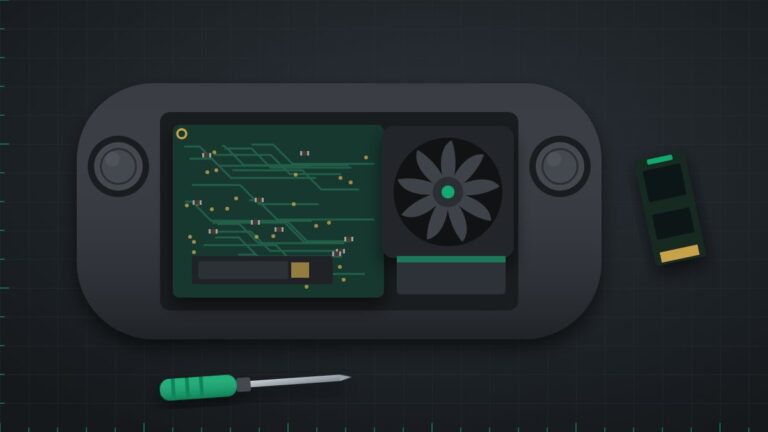
The Steam Deck was designed to be repairable, so most faults can be fixed with a single part. We repair the LCD and OLED models and upgrade the SSD if you need more space for your library.
Common Steam Deck faults we fix
- Cracked or dead screen
- Thumbstick drift
- Not charging or loose USB-C port
- Loud or rattling fan
- Battery draining quickly
- Won't boot or stuck on the Steam logo
- Trackpad or button not responding
Not sure what is wrong? Describe the symptoms on the quote form, including any error codes or light colours, and a technician will reply with the likely cause and a price.
Repair services
- Screen replacement (LCD and OLED)
- Thumbstick module replacement
- USB-C daughterboard replacement
- Fan replacement
- Battery replacement
- SSD upgrade with SteamOS reinstall
Drop in or post it to us
Bring your console to our London workshop or our Beckenham drop-off point, or post it to us from anywhere in the UK. We diagnose it, send you a quote, and only start work once you approve it. Every repair comes with a 90-day warranty on parts and labour. Call 020 7237 6805 or request a quote online.
How we repair your Steam Deck
- We test the Steam Deck in SteamOS and check the screen, sticks, trackpads, charging and fan.
- We open the back cover and disconnect the battery before working inside.
- The faulty screen, stick, USB-C board, fan, battery or SSD is replaced.
- We test it in games and, after an SSD upgrade, reinstall SteamOS ready for you to sign in.
How long it takes
Stick, fan, USB-C board and SSD upgrades are usually done the same day. Screen repairs depend on parts, and we tell you the expected time when we quote. Every repair comes with a 90-day warranty on parts and labour.
Before you bring it in
- Back up anything not saved in Steam Cloud if you can, especially for an SSD upgrade.
- Remove your microSD card, or tell us if one is stuck.
- You do not need to give us your Steam password.
Steam Deck repair questions
Can you upgrade my Steam Deck SSD?
Yes. The Steam Deck takes an M.2 2230 SSD. We fit a larger drive and reinstall SteamOS; your games then download again from Steam.
Do you use genuine Steam Deck parts?
Valve makes official replacement parts available, and we use them where possible. We tell you what we are fitting when we quote.
Will I lose my games?
Most repairs do not touch the SSD. An SSD upgrade or SteamOS reinstall removes installed games, which you download again, and cloud saves return when you sign in.